Can AI Image generation tools make re-imagined, higher-resolution versions of old video game graphics?
Over the last few days, I used AI image generation to reproduce one of my childhood nightmares. I wrestled with Stable Diffusion, Dall-E and Midjourney to see how these commercial AI generation tools can help retell an old visual story - the intro cinematic to an old video game (Nemesis 2 on the MSX). This post describes the process and my experience in using these models/services to retell a story in higher fidelity graphics.
Meet Dr. Venom
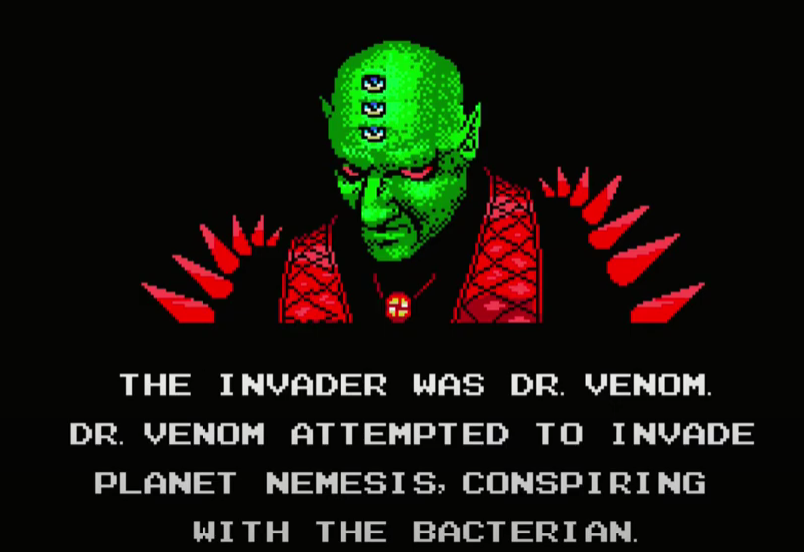
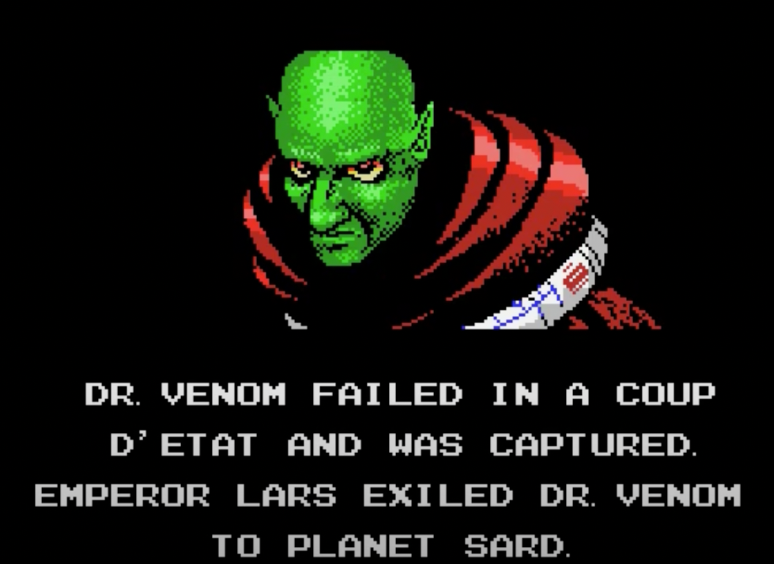
This fine-looking gentleman is the villain in a video game. Dr. Venom appears in the intro cinematic of Nemesis 2, a 1987 video game. This image, in particular, comes at a dramatic reveal in the cinematic.
Let’s update these graphics with visual generative AI tools and see how they compare and where each succeeds and fails.
Remaking Old Computer graphics with AI Image Generation
Here’s a side-by-side look at the panels from the original cinematic (left column) and the final ones generated by the AI tools (right column):
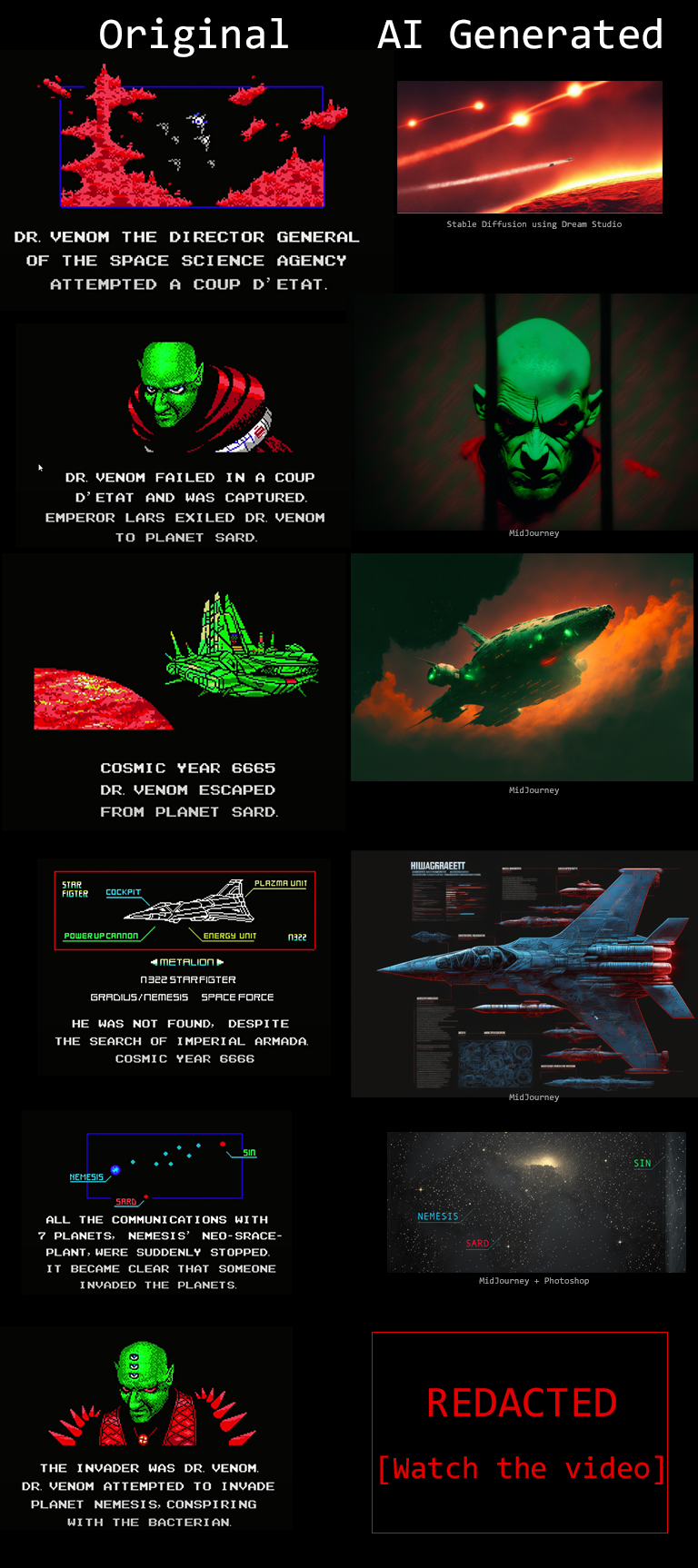
This figure does not show the final Dr. Venom graphic because I want you to witness it as I had, in the proper context and alongside the appropriate music. You can watch that here:
Panel 1
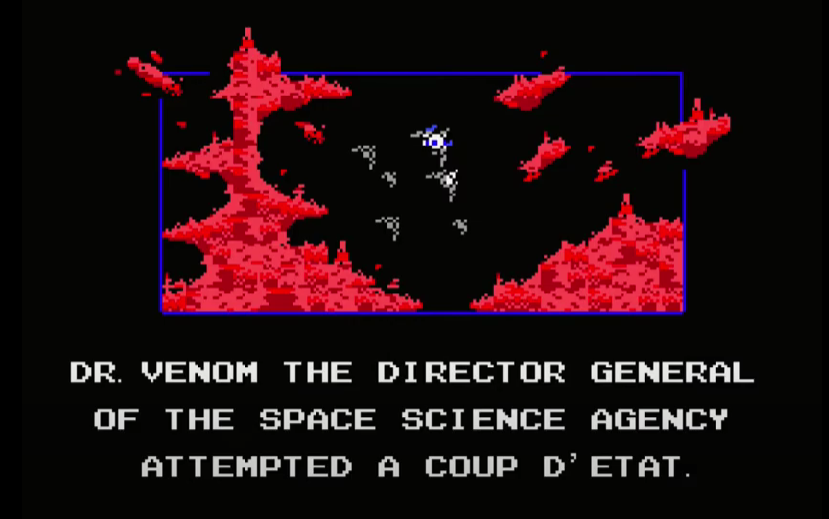
Original image
The final image was generated by Stable Diffusion using Dream Studio.
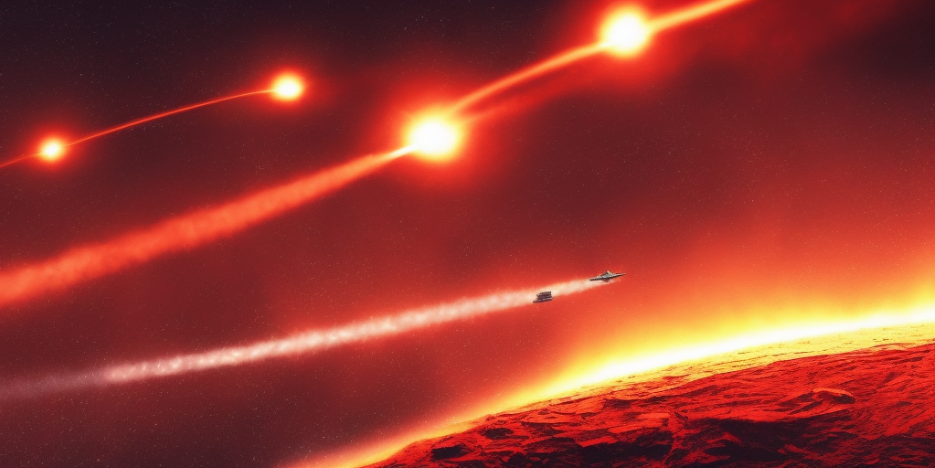
The road to this image, however, goes through generating over 30 images and tweaking prompts. The first kind of prompt I’d use is something like:
fighter jets flying over a red planet in space with stars in the black sky
This leads Dall-E to generate these candidates
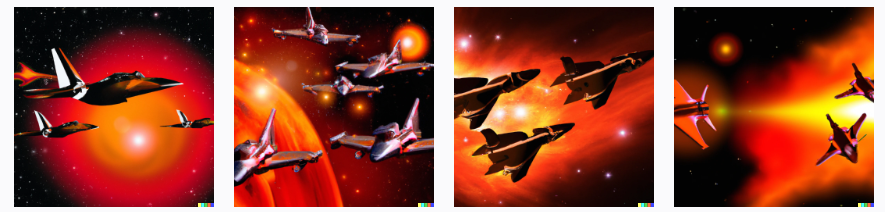
Dall-E prompt: fighter jets flying over a red planet in space with stars in the black sky
Pasting a similar prompt into Dream Studio generates these candidates:
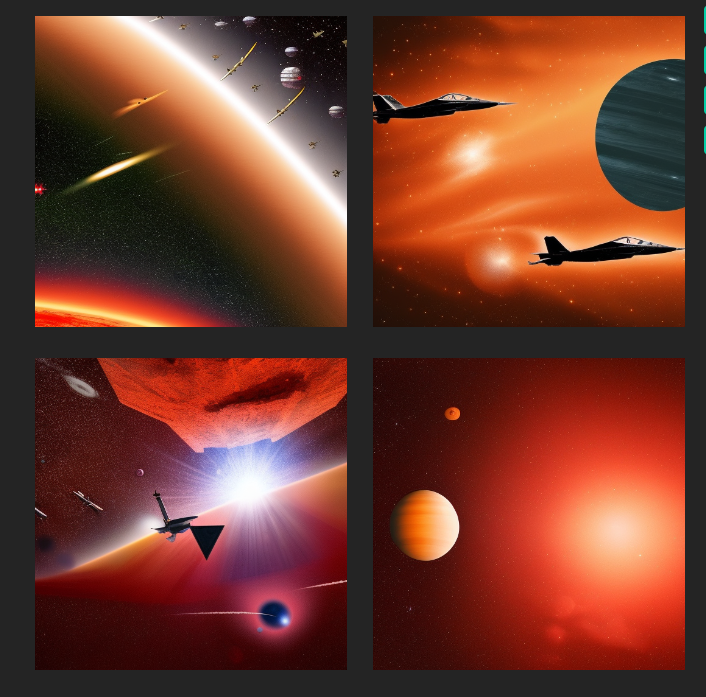
Stable Diffusion prompt: fighter jets flying over a red planet in space with stars in the black sky
This showcases a reality of the current batch of image generation models. It is not enough for your prompt to describe the subject of the image. Your image creation prompt/spell needs to mention the exact arcane keywords that guide the model toward a specific style.
Searching for prompts on Lexica
The current solution is to either go through a prompt guide and learn the styles people found successful in the past, or search a gallery like Lexica that contains millions of examples and their respective prompts. I go for the latter as learning arcane keywords that would work on specific versions of specific models is not a winning strategy for the long term.
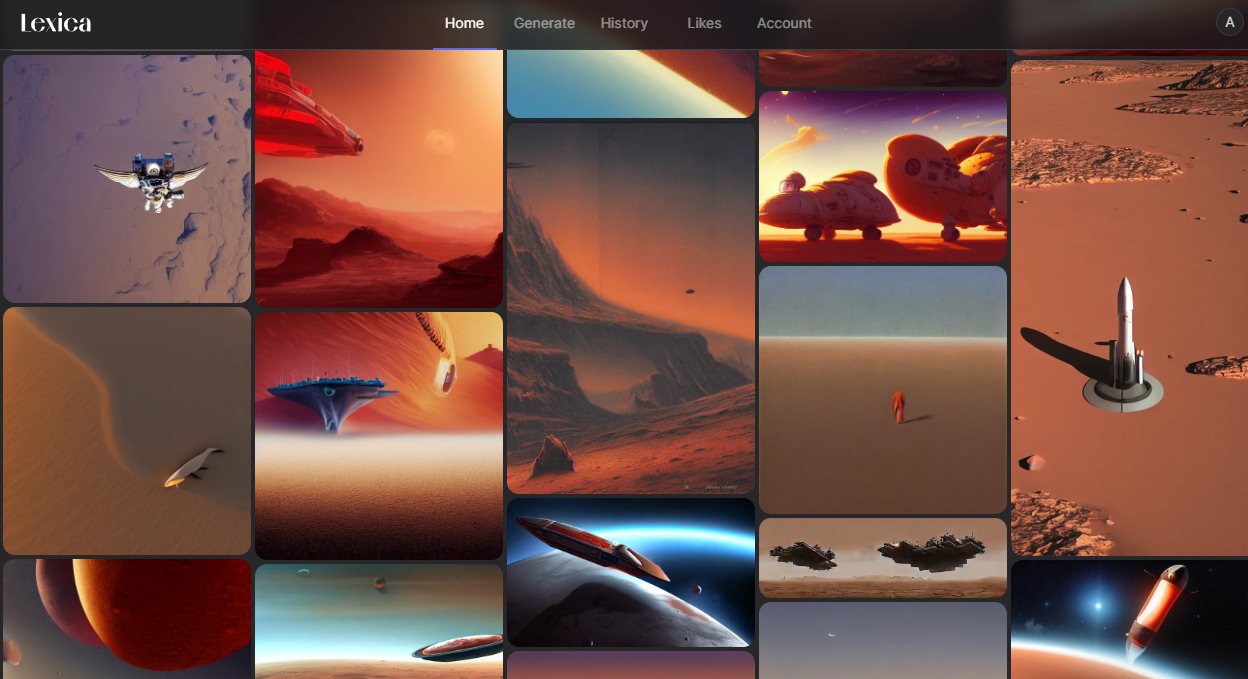
From here, I find an image that I like, and edit it with my subject keeping the style portion of the prompt, so finally it looks like:
fighter jets flying over a red planet in space flaming jets behind them, stars on a black sky, lava, ussr, soviet, as a realistic scifi spaceship!!!, floating in space, wide angle shot art, vintage retro scifi, realistic space, digital art, trending on artstation, symmetry!!! dramatic lighting.
MidJourney
The results of Midjourney have always stood out as especially beautiful. I tried it with the original prompt containing only the subject. The results were amazing.
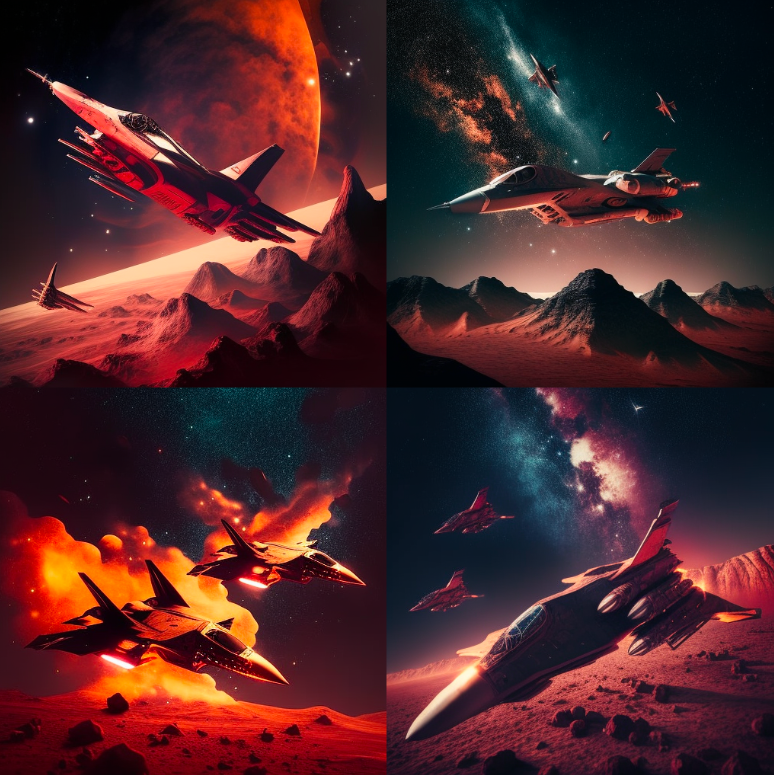
While these look incredible, they don’t capture the essence of the original image as well as the Stable Diffusion one does. But this convinced me to try Midjourney first for the remainder of the story. I had about eight images to generate and only a limited time to get an okay result for each.
Panel 2
Original Image:
Final Image:
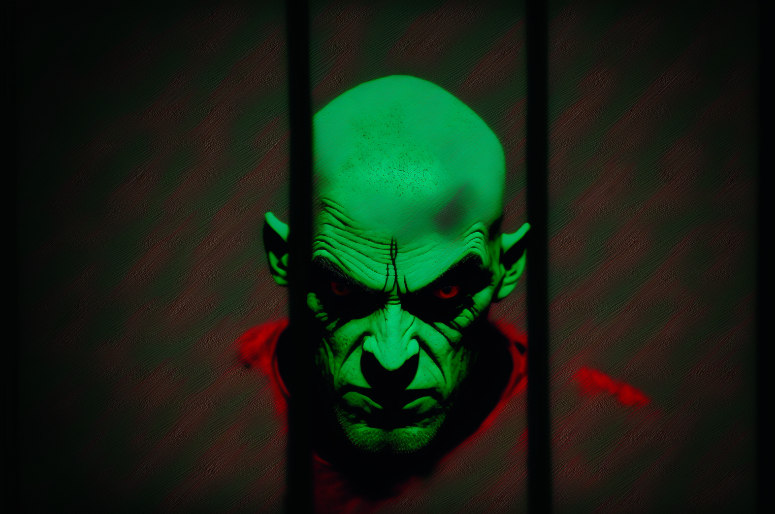
Midjourney prompt: realistic portrait of a single scary green skinned bald man with red eyes wearing a red coat with shoulder spikes, looking from behind the bars of a prison cell, black background, dramatic green lighting --ar 3:2
Failed attempts
While Midjourney could approximate the appearance of Dr. Venom, it was difficult to get the pose and restraint. My attempts at that looked like this:
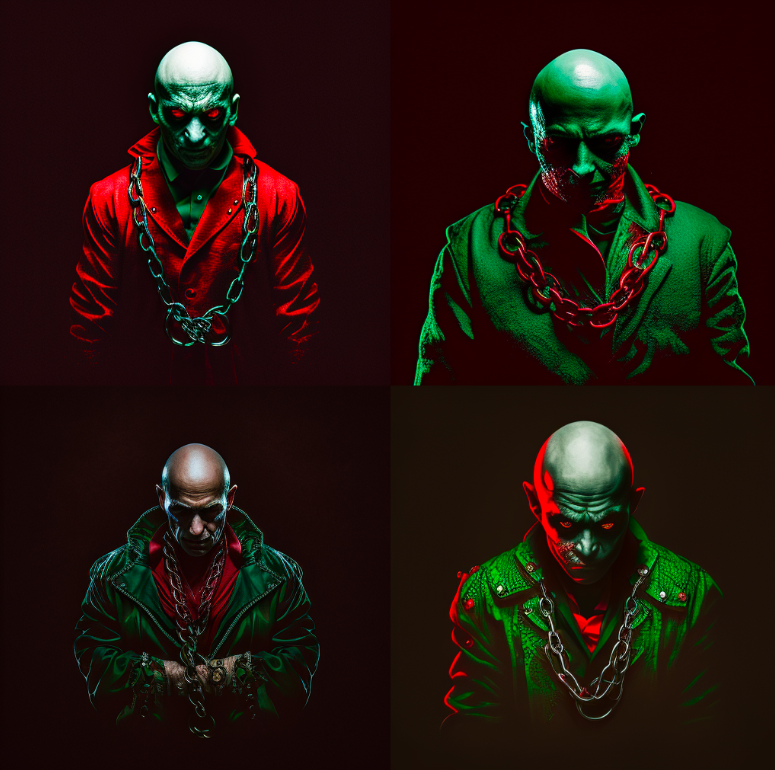
Midjourney prompt: portrait of a single scary green skinned bald man with red eyes wearing a red coat in handcuffs and wrapped in chains, black background, dramatic green lighting
That’s why I tweaked the image to show him behind bars instead.
Panel 3
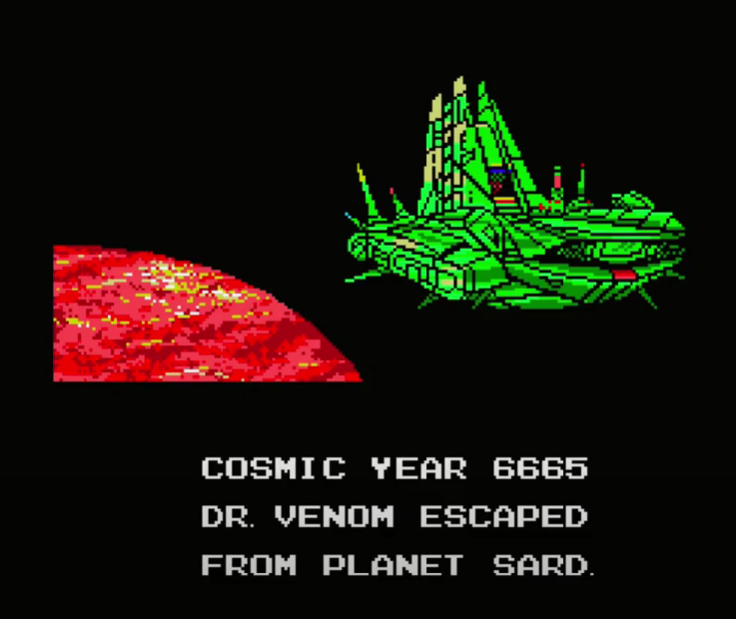
Original Image:
Final Image:
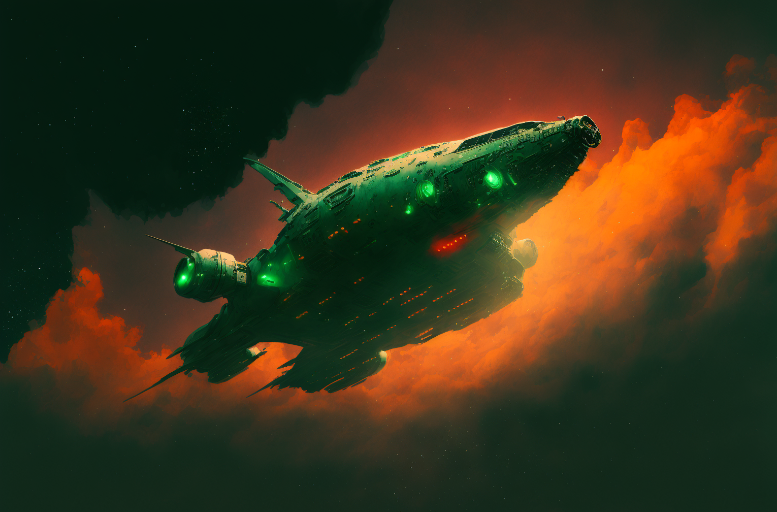
Midjourney prompt: long shot of an angular ugly green space ship in orbit over a red planet in space in the black sky , dramatic --ar 3:2
To instruct the model to generate a wide image, the –ar 3:2 command specifies the desired aspect ratio.
Panel 4
Original Image:
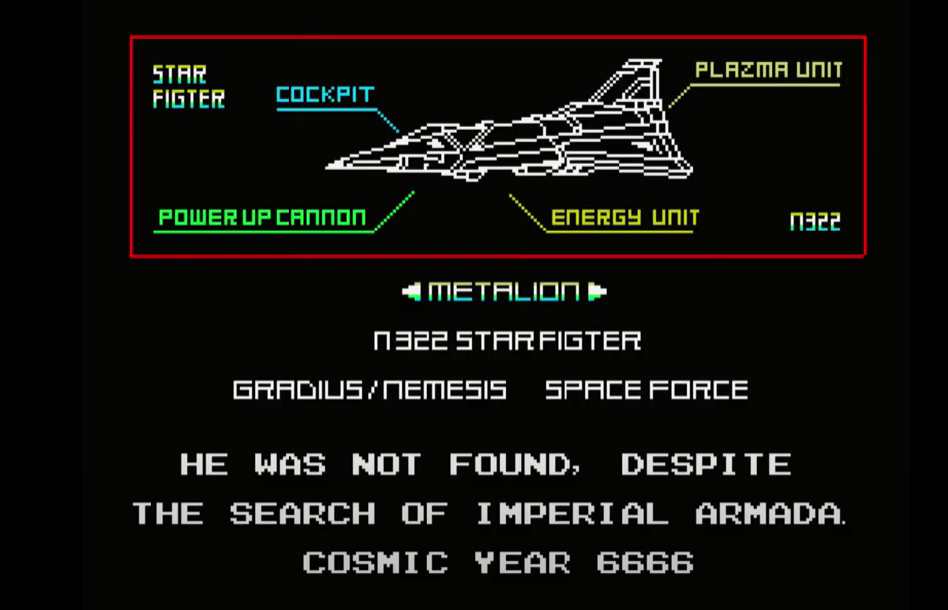
Final Image:
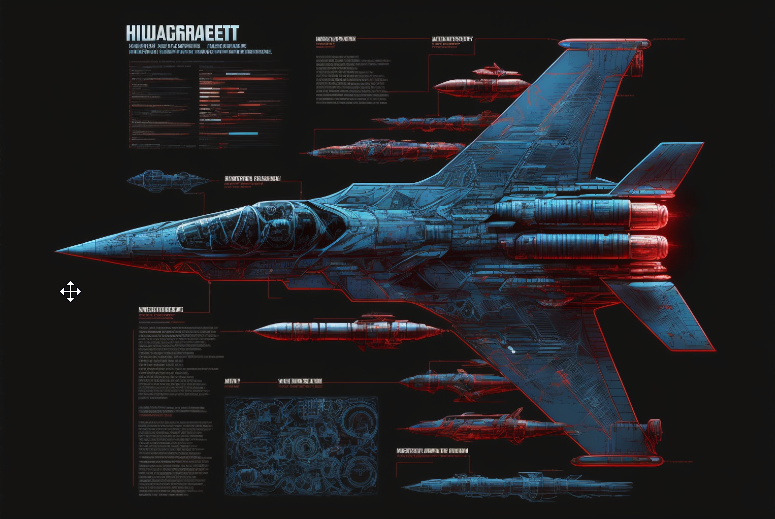
Midjourney prompt: massive advanced space fighter jet schematic blueprint on a black background, different cross-sections and perspectives, blue streaks and red missles, star fighter , vic viper gradius --ar 3:2
Midjourney really captures the cool factor in a lot of fighter jet schematics. The text will not make sense, but that can work in your favor if you’re going for something alien.
In this workflow, it’ll be difficult to reproduce the same plane in future panels. Recent, more advanced methods like textual inversion or photobooth could aid in this, but at this time they are more difficult to use than text-to-image services.
Panel 5
Original Image:
Final Image:
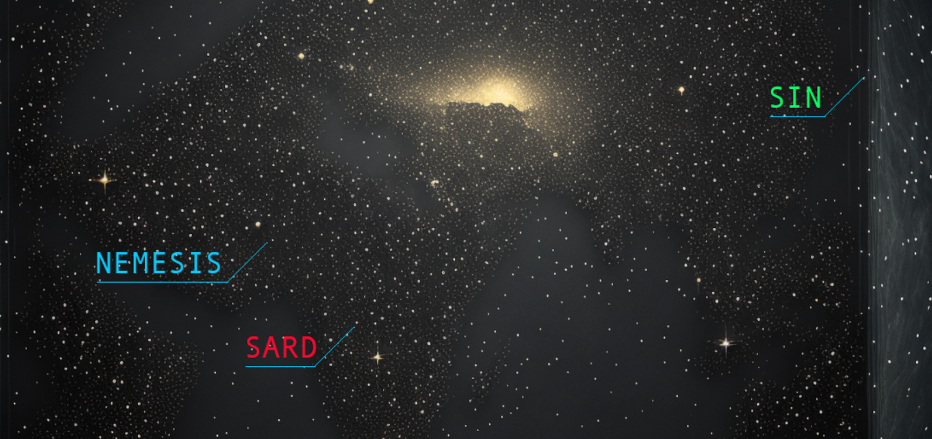
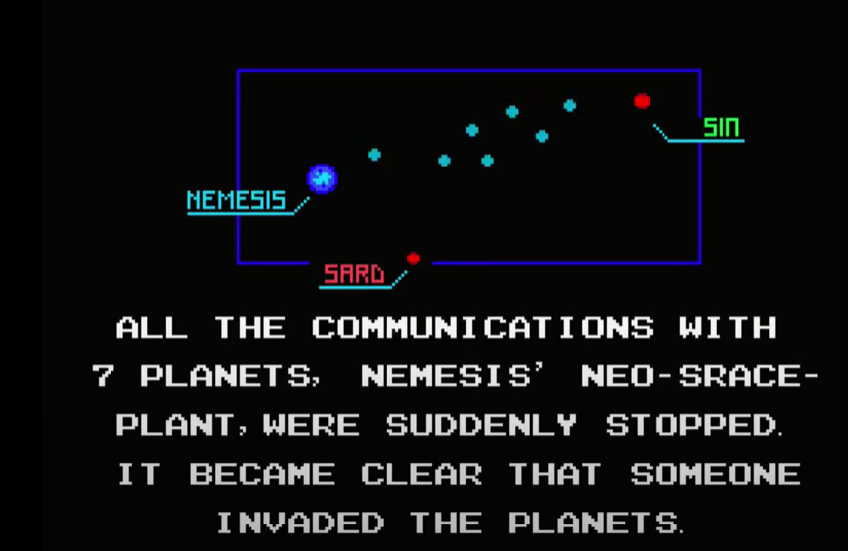
Midjourney prompt: rectangular starmap --ar 3:2
This image shows a limitation in what is possible with the current batch of AI image tools:
1- Reproducing text correctly in images is still not yet widely available (although technically possible as demonstrated in Google’s Imagen)
2- Text-to-image is not the best paradigm if you need a specific placement or manipulation of elements
So to get this final image, I had to import the stars image into photoshop and add the text and lines there.
Panel 6
Original Image:
I failed at reproducing the most iconic portion of this image, the three eyes. The models wouldn’t generate the look using any of the prompts I’ve tried.
I then proceeded to try in-painting in Dream Studio.
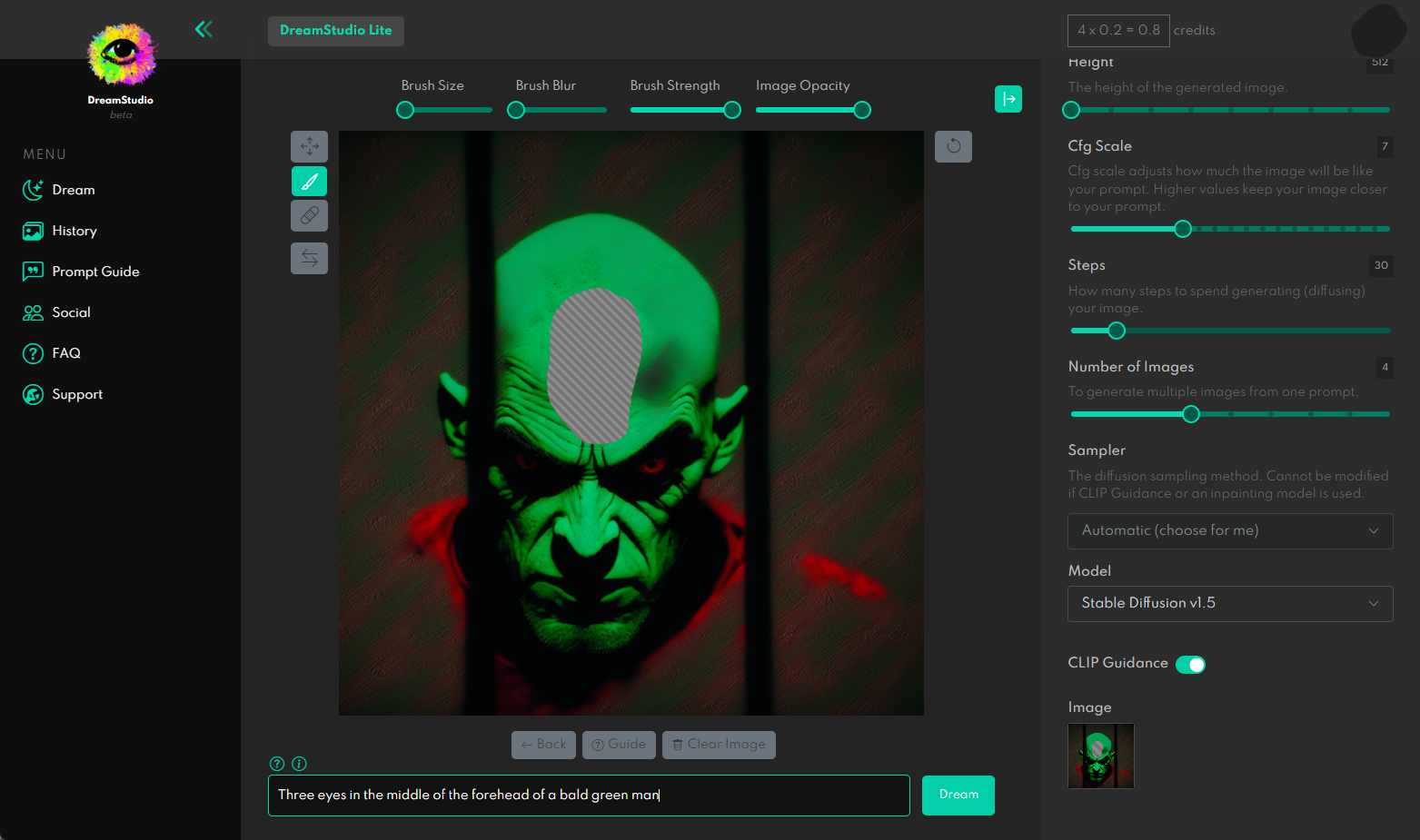
In-painting instructs the model to only generate an image for a portion of the image, in this case, it’s the portion I deleted with the brush inside of Dream Studio above.
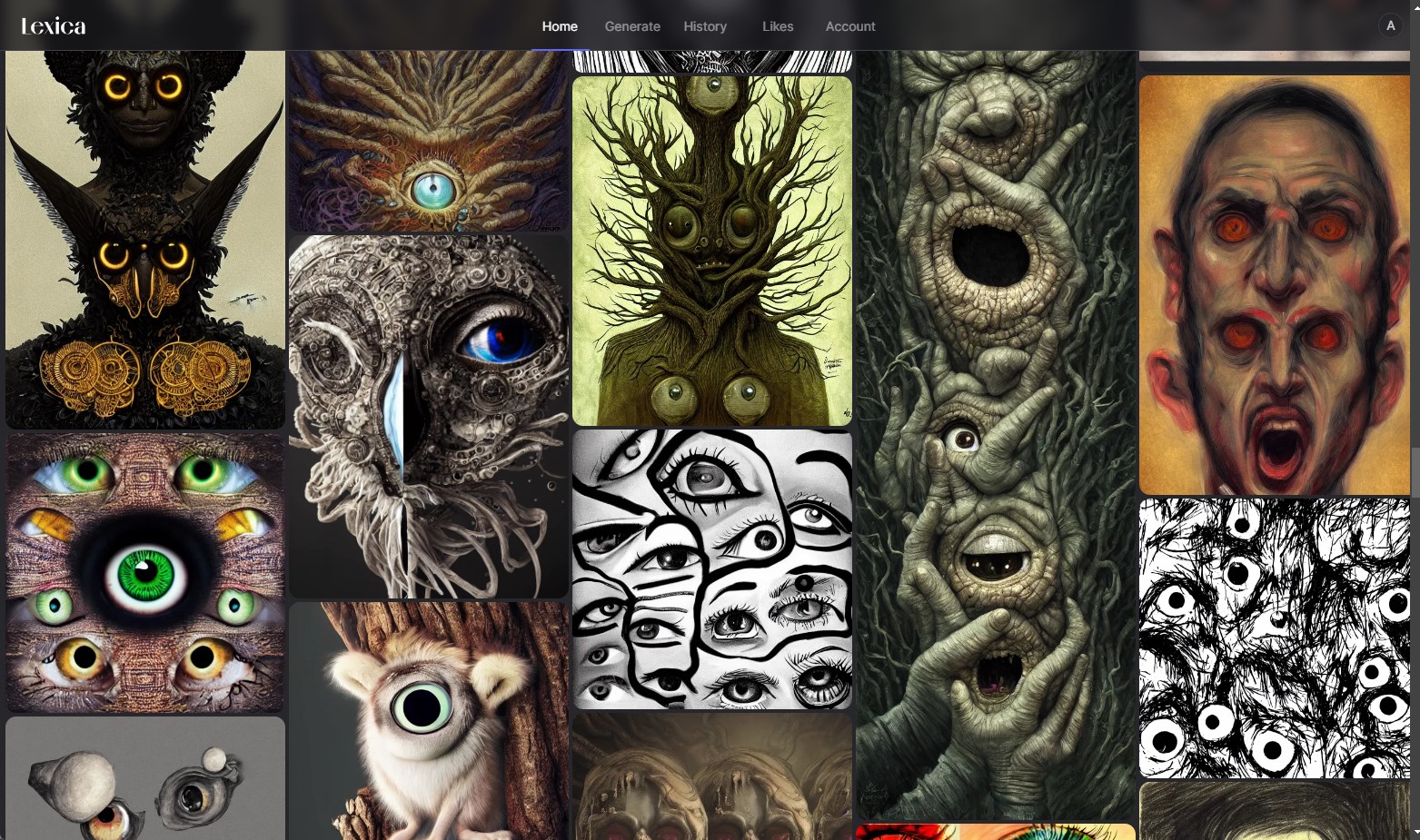
I couldn’t get to a good result in time. Although looking at the gallery, the models are quite capable of generating horrific imagery involving eyes.
Panel 7
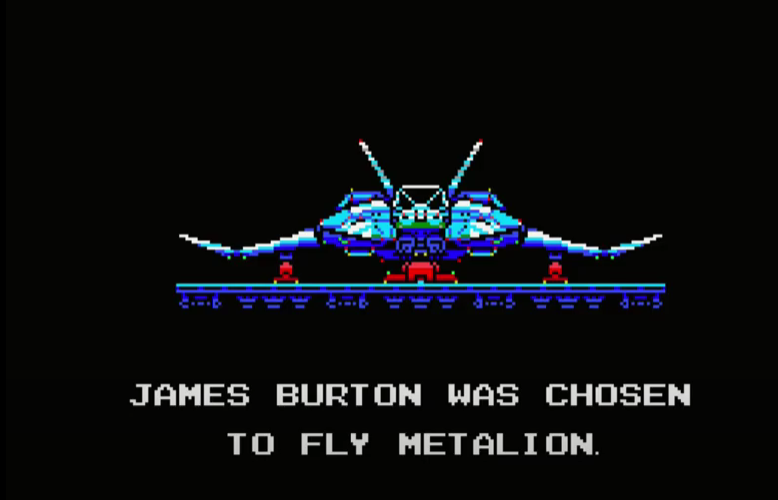
Original Image:
Candidate generations:
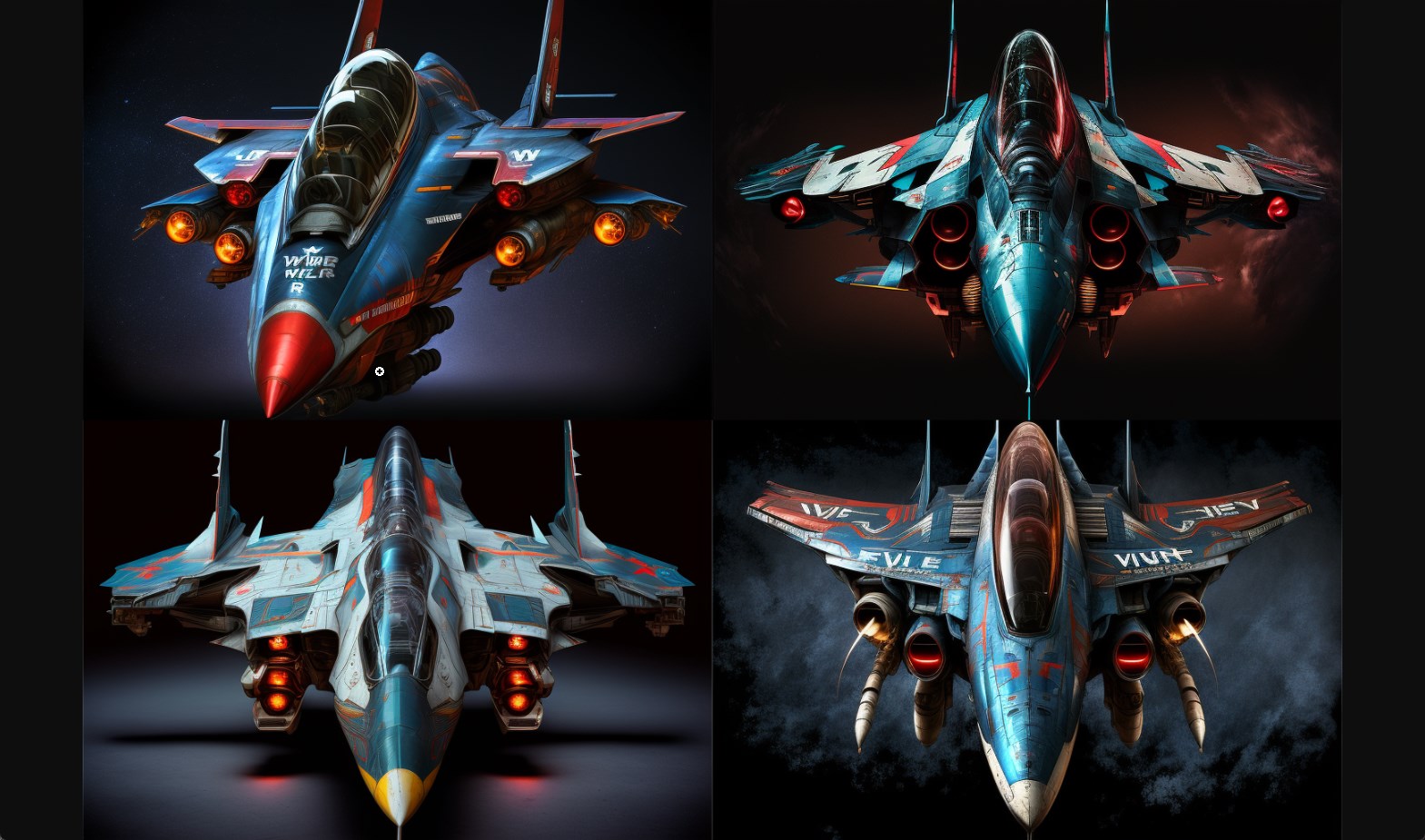
Midjourney prompt: front-view of the vic viper space fighter jet on its launch platform, wide wings, black background, blue highlights, red missles --ar 3:2
Panel 8
Original Image:
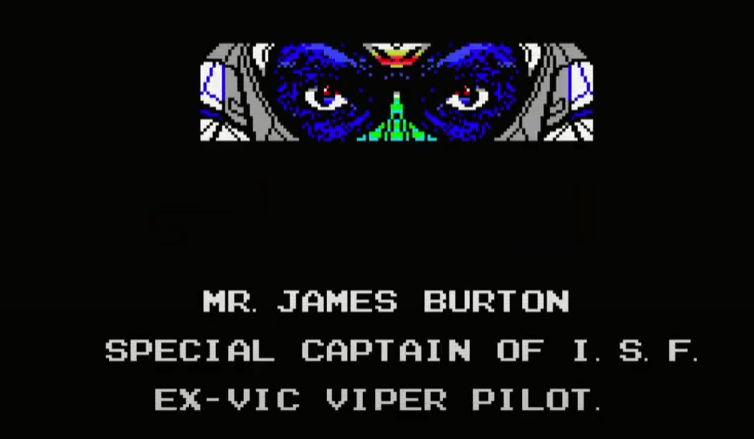
Candidate generations:
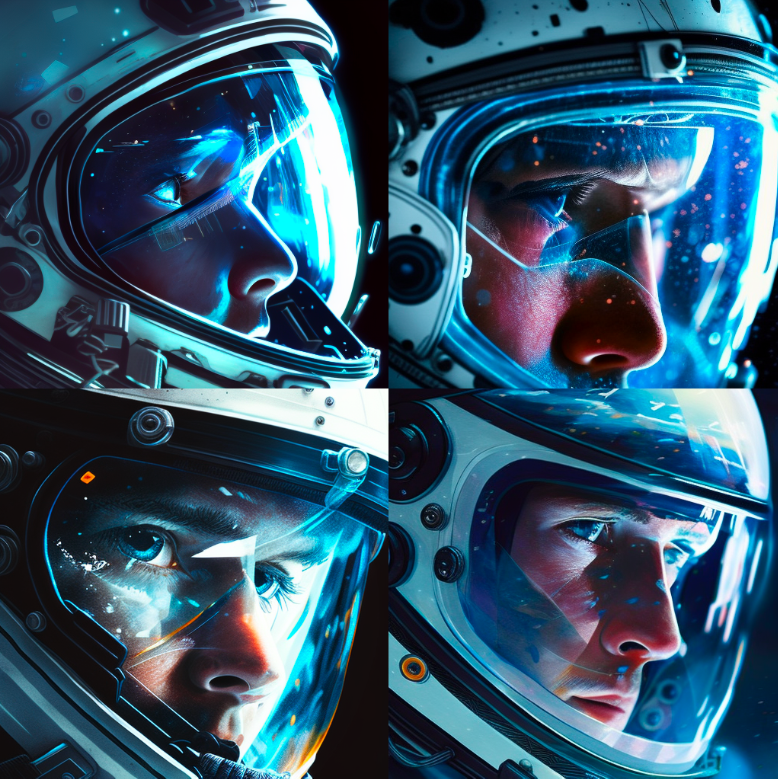
Midjourney prompt: front close-up of the black eyes of a space pilot Mr. James Burton peering through the visor of a white helmet, blue lighting, the stars reflected on the glass --ar 3:2
This image provided a good opportunity to try out DALL-E’s outpainting tool to expand the canvas and fill-in the surrounding space with content.
Expanding the Canvas with DALL-E Outpainting
Say we decided to go with this image for the ship’s captain
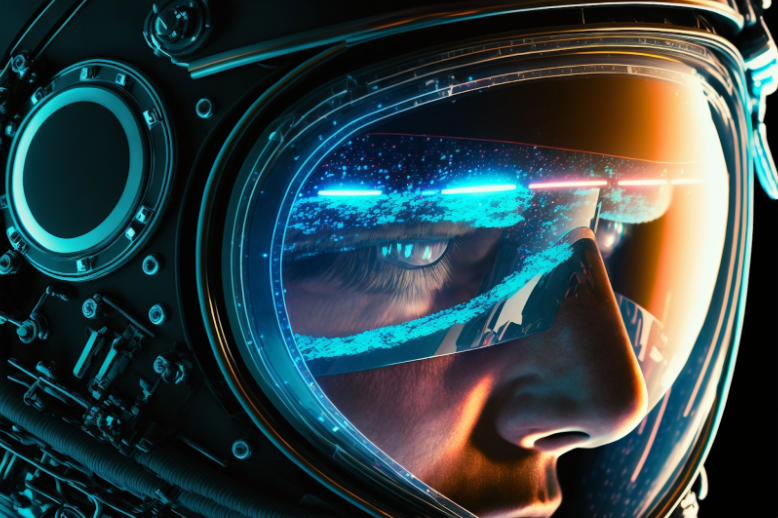
We can upload it to DALL-E’s outpainting editor and over a number of generations continue to expand the imagery around the image (taking into consideration a part of the image so we keep some continuity).
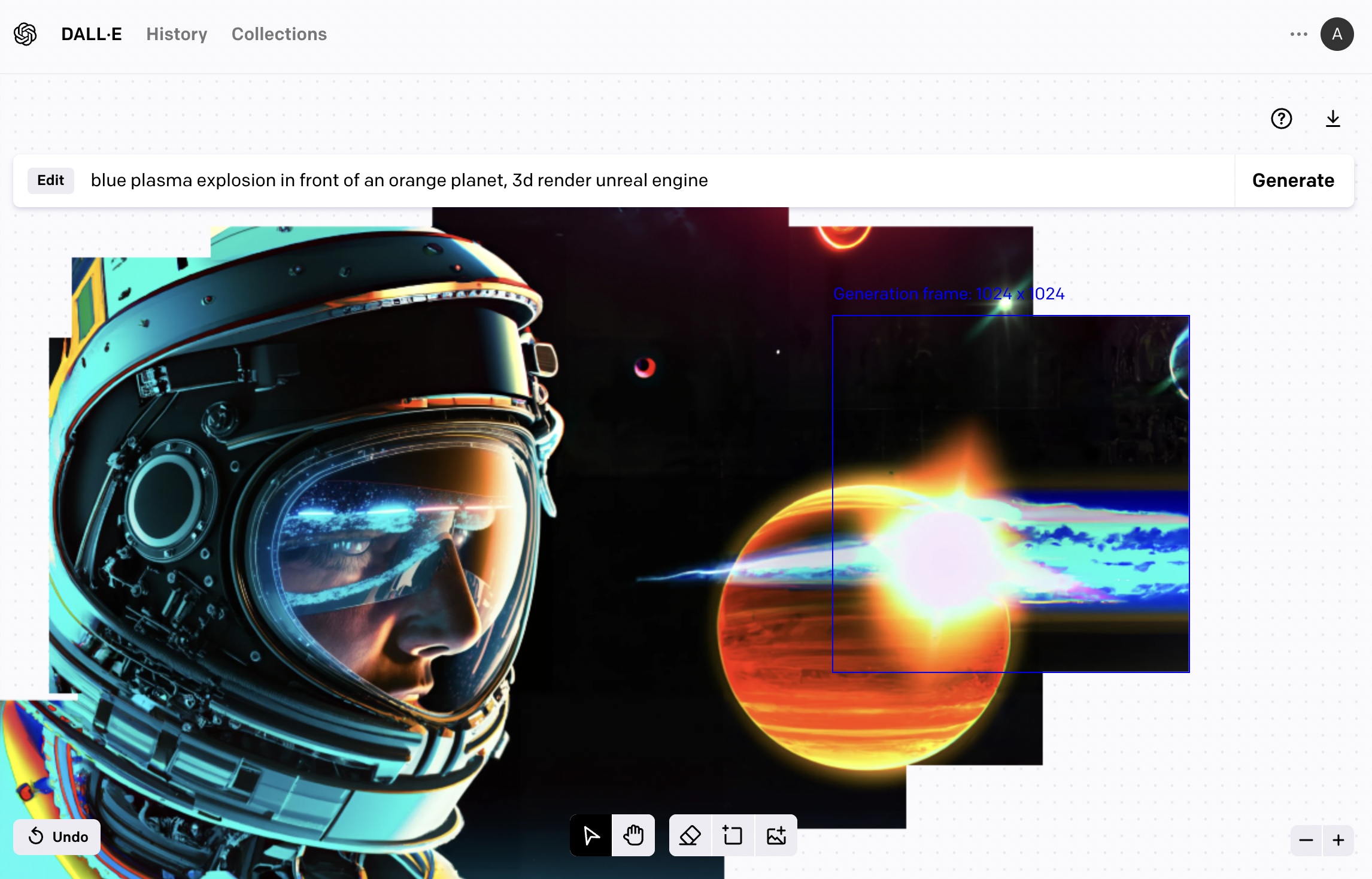
The outpainting workflow is different from the text2image in that the prompt has to be changed to describe the portion you’re crafting at each portion of the image.
It’s been a few months since the vast majority of people started having broad access to AI image generation tools. The major milestone here is the open source release of Stable Diffusion (although some people had access to DALL-E before, and models like OpenAI GLIDE were publicly available but slower and less capable). During this time, I’ve gotten to use three of these image generation services.
Dream Studio by Stability AI
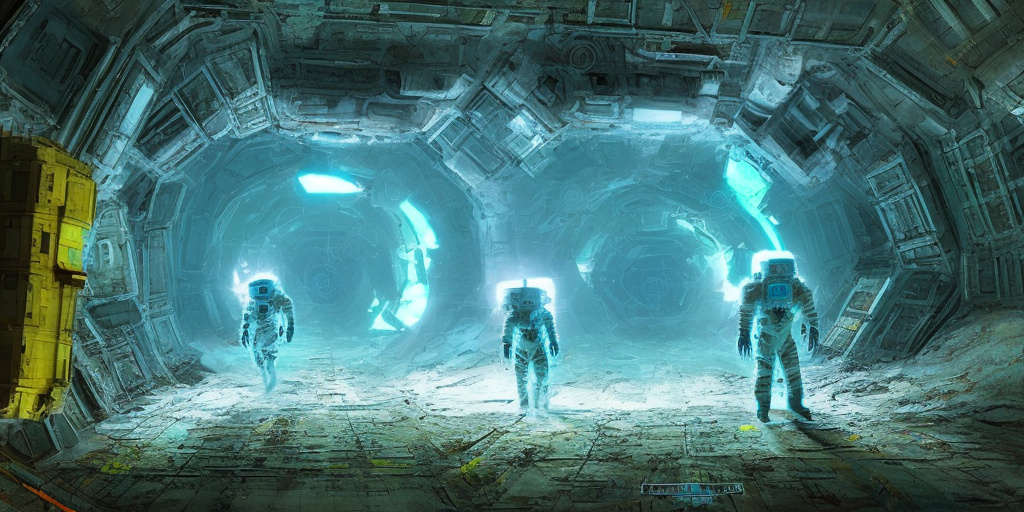
Stable Diffusion v2.1 prompt: Two astronauts exploring the dark, cavernous interior of a huge derelict spacecraft, digital art, neon blue glow, yellow crystal artifacts
This is what I have been using the most over the last few months.
Pros
- They made Stable Diffusion and serve a managed version of it – a major convenience and improvement in workflow.
- They have an API and so the models can be accessed programmatically. A key point for extending the capability and building more advanced systems that use an image generation component.
- Being the makers of Stable Diffusion, it is expected they will continue to be the first to offer the managed version of upcoming versions which are expected to keep getting better.
- The fact that Stable Diffusion is open source is another big point in their favor. The managed model can be used as a prototyping ground (or a production tool for certain use cases), yet you have the knowledge that if your use cases requires fine-tuning your own model you can revert to the open source versions.
- Currently the best user interface with the most options (without being overwhelming like some of the open source UIs). It has the key sliders you need to tweak and you can pick how many candidates to generate. They were quick to add user interface components for advanced features like in-painting.
Cons
- Dream Studio still does not robustly keep a history of all the images the user generates.
- Older versions of Stable Diffusion (e.g. 1.4 and 1.5) remain easier to get better results with (aided by galleries like Lexica). The newer models are still being figured out by the community, it seems.
Midjourney
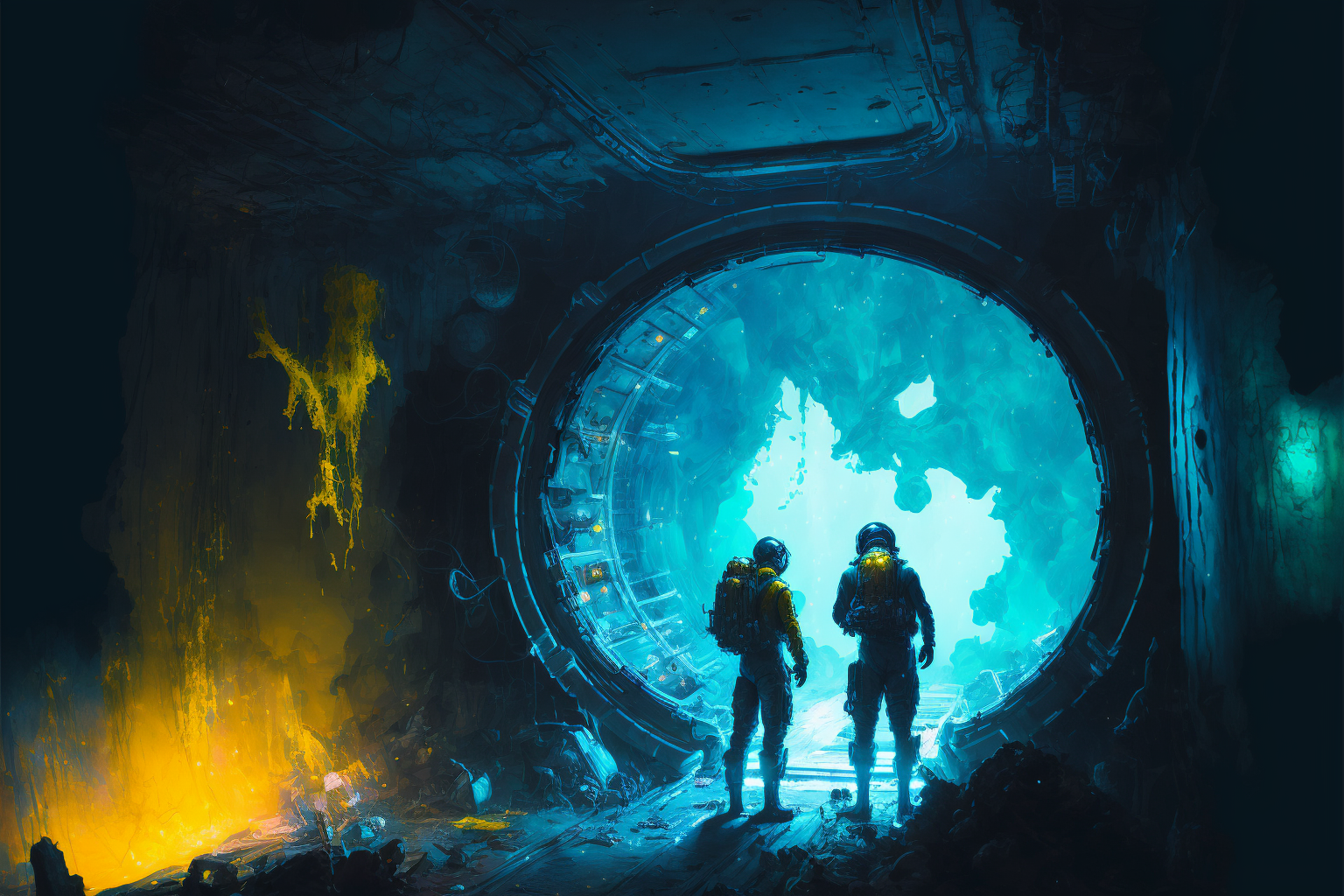
Midjourney v4 prompt: Two astronauts exploring the dark, cavernous interior of a huge derelict spacecraft, digital art, neon blue glow, yellow crystal artifacts --ar 3:2
Pros
- By far the best generation quality with the least amount of prompt tweaking
- The UI saves the archive of generation
- Community tab feed in the website is a great showcase of the artwork the community is pumping out. In a way, it is Midjourney’s own Lexica.
Cons
- Can only be accessed via Discord, as far as I can tell. I don’t find that to be a compelling channel. As a trial user, you need to generate images in public “Newbie” channels (which didn’t work for me when I tried them a few months ago – understandable given the meteoric growth the platform has experienced). I revisited the service only recently and paid for a subscription that would allow me to directly generate images using a bot.
- No UI components to pick image size or other options. Options are offered as commands to add to the prompt. I found that to be less discoverable than Dream Studio’s UI which shows the main sliders and describes them.
- Can’t access it via API (as far as I can tell) or generate images in the browser.
DALL-E
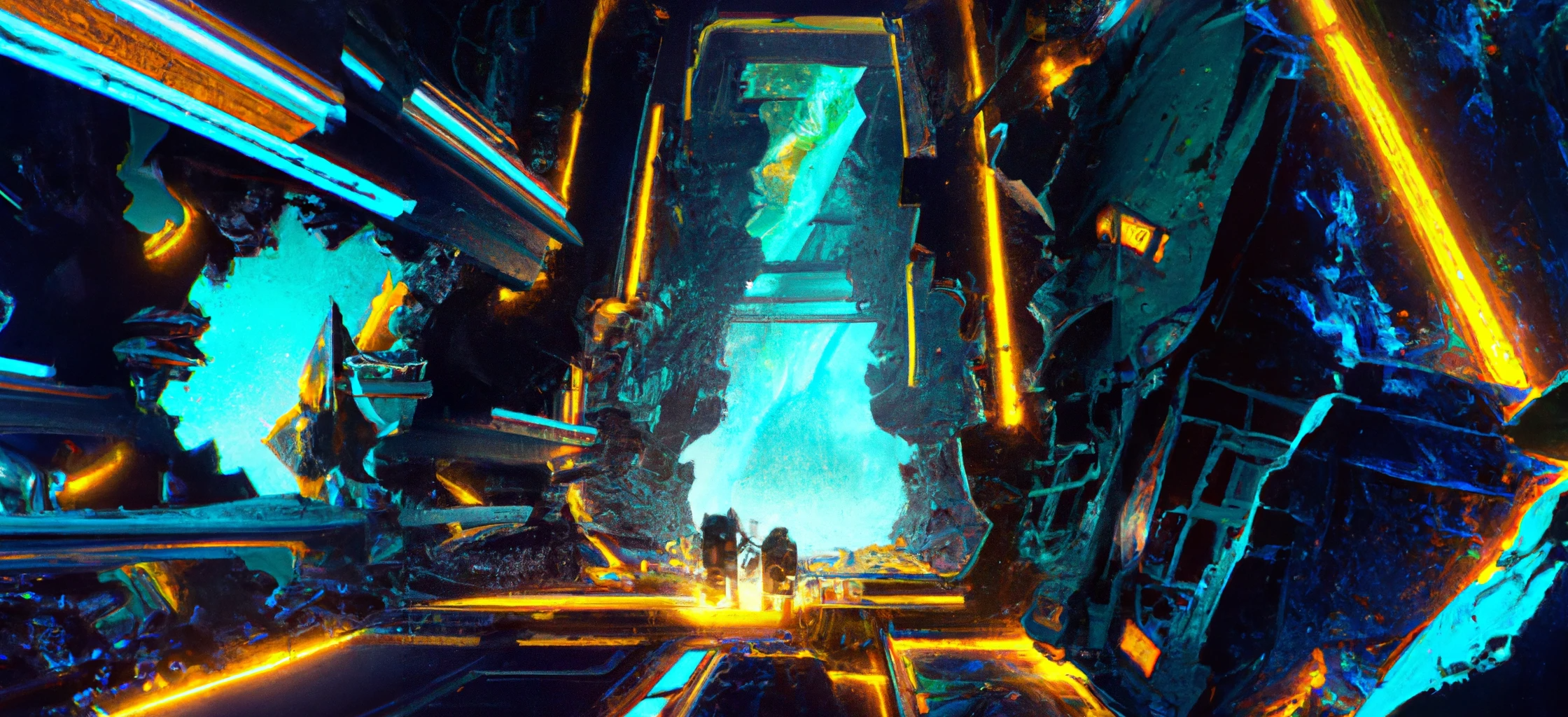
One generation plus two outpainting generations to expand the sides. DALL-E prompt: Two astronauts exploring the dark, cavernous interior of a huge derelict spacecraft, digital art, neon blue glow, yellow crystal artifacts
Pros
- DALL-E was the first to dazzle the world with the capabilities of this batch of image generation models.
- Inpainting and outpainting support
- Keeps the entire history of generated images
- Has an API
Cons
- Feels a little slower than Stable Diffusion, but good that it generates four candidate images
- Because it lags behind Midjourney in quality of images generated in response to simple prompts, and behind Stable Diffusion in community adoption and tooling (in my perception), I haven’t found a reason to spend a lot of time exploring DALL-E. Outpainting feels kinda magical, however. I think that’s where I may spend some more time exploring.
That said, do not discount DALL-E just yet, however. OpenAI are quite the pioneers and I’d expect the next versions of the model to dramatically improve generation quality.
Conclusion
This is a good place to end this post although there are a bunch of other topics I had wanted to address. Let me know what you think on @JayAlammar or @JayAlammar@sigmoid.social.