Tool: HTML table extractor
Tool HTML table extractor — Extract tables from pasted content and convert them to multiple formats. Paste HTML, rich text, or plain text containing tables, and the tool automatically detects and displays each table with a preview, then allows you to export it as HTML, Markdown, CSV, TSV, or JSON.
Yet another in my growing collection of paste-conversion tools. This one accepts pasted rich text from browsers (with embedded HTML tables) and converts every detected table into HTML, Markdown, CSV, TSV, or JSON.
Try it out by selecting everything on the Wikipedia List of cities and towns in the San Francisco Bay Area page and pasting it directly into the tool:
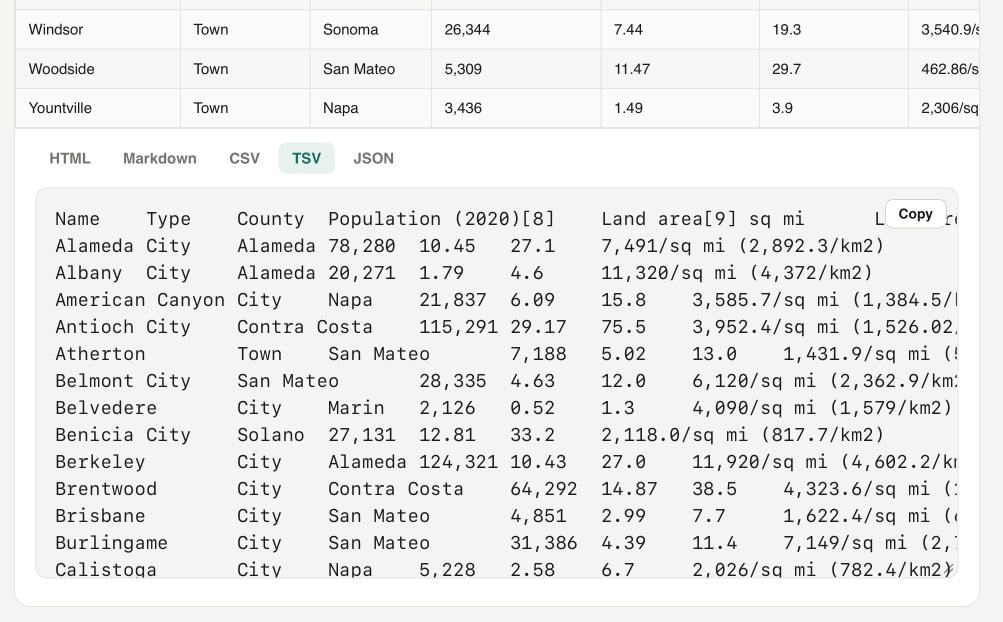
On a similar note, I recently rebuilt my Rich text to markdown tool to add support for tables and generally improve the UI.
Update: It turns out Wikipedia has an open CORS API for retrieving the full rendered HTML content of any page - demo here - so I had Codex add the ability to search Wikipedia for a page and then automatically import and display any tables from that page.